
The decision in one minute
Start with certification, device compatibility and the charger format. Then look at power.
Qi2 is not just a magnetic ring. The Wireless Power Consortium, or WPC, manages the Qi standard and certification program. Certified products are tested for interoperability and other requirements before they can use the official Qi marks.
That makes an actual WPC-certified product a stronger starting point than a marketplace listing that only says “Qi2 compatible.”
Step 1: verify the exact product, not the marketing phrase
When a product listing is unclear, look for the exact model in the WPC certified-products database or confirm that the manufacturer publishes a matching certification record.
Useful checks include:
- exact model number;
- Qi or Qi2 certification;
- certified power profile;
- device category;
- manufacturer name.
A charger can look like a Qi2 product without being certified. Magnetic accessories can also use alignment rings without implementing the Qi2 charging standard.
Certification does not guarantee that every phone reaches the same charging speed, but it helps establish that the product was evaluated within the standard’s program.
Step 2: understand what magnetic alignment changes
One of Qi2’s important practical changes is the Magnetic Power Profile. Magnetic alignment helps compatible devices settle into a repeatable position over the charging coil.
That matters because poor alignment can reduce efficiency or prevent reliable charging.
The practical benefit is not only “the phone sticks to the charger.” It is that alignment becomes part of the charging design rather than something the user has to guess by sliding the phone around on a pad.
Cases still matter. If you use a case, confirm that it is intended for the same magnetic charging system and does not create excessive distance between the phone and charger.
Step 3: do not assume every Qi2 charger has the same power level
WPC has expanded Qi2 beyond the original generation and now highlights Qi2 25W-certified charging products.
That means “Qi2” alone is no longer enough information to predict charging power.
Check the exact charger’s certified capability and the phone’s supported wireless charging mode. The slower side of the pair determines the practical ceiling.
A 25W-capable charger does not force a device that only accepts a lower certified wireless power level to charge at 25W.
Step 4: include the power adapter in the purchase decision
Many wireless chargers do not include the wall power adapter.
The pad or stand may require a certain USB-C PD input to reach its full certified output. If you connect it to an old low-power adapter, the wireless charger can still turn on but may not deliver its intended performance.
Before checkout, verify:
- whether an adapter is included;
- the required adapter wattage;
- whether USB Power Delivery is required;
- whether the cable is fixed or replaceable;
- whether a third-party adapter is explicitly supported.
Treat the wall adapter, cable and wireless charger as one system.
Step 5: choose the physical format around where it lives
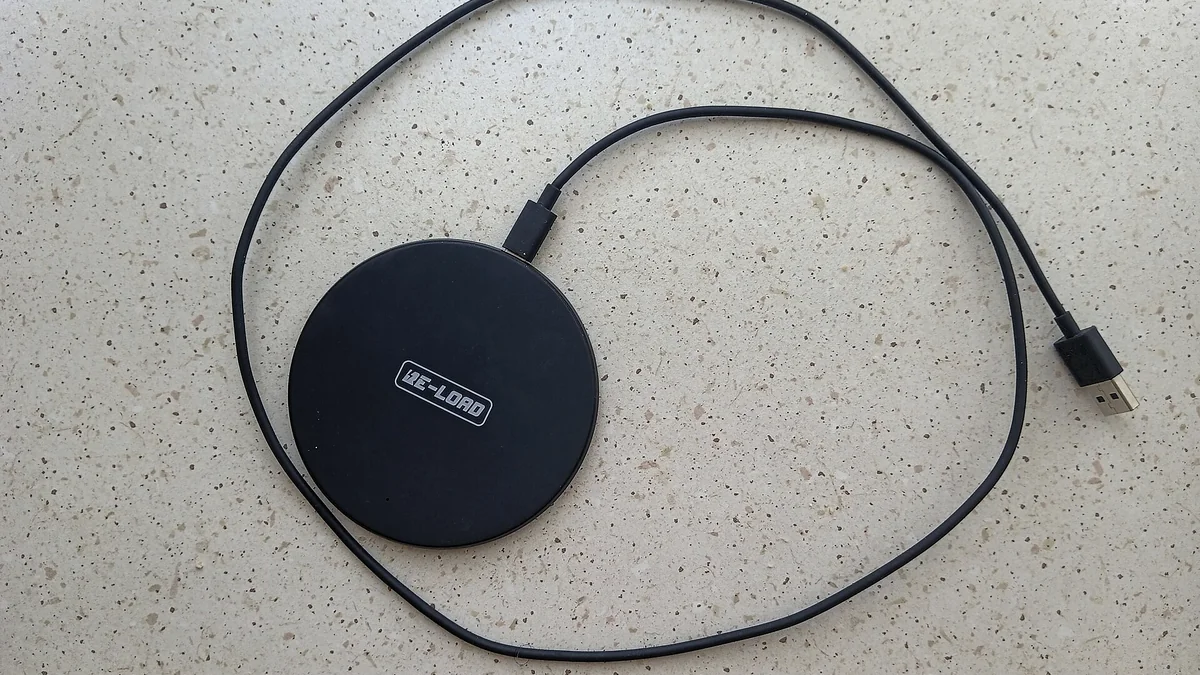
Flat pad
Simple and often compact.
Best when you want to place a phone down without caring about viewing angle.
Stand
Useful on a desk or nightstand when you want to see notifications, a clock or video while charging.
Check whether the stand supports both portrait and landscape orientation.
Foldable travel charger
Designed to reduce packing volume.
Pay attention to hinge rigidity, total weight and whether the charging surfaces remain protected in a bag.
Multi-device dock
Can combine phone, earbuds and a watch.
This can simplify cable clutter, but every charging position has its own compatibility limits. Verify each device bay separately rather than assuming the whole dock is universally compatible.
Step 6: thermal behavior matters, even without hands-on testing
Wireless charging creates conversion losses, which can produce heat.
Without laboratory or hands-on testing, do not infer that one charger runs cooler simply because it has vents or a premium enclosure.
Instead, use manufacturer documentation to check for features such as active cooling, temperature controls or charging-management claims, and treat those claims as manufacturer-published information rather than independently verified performance.
Avoid charging setups that trap the phone under thick insulating materials.
Step 7: cables and desk placement affect daily use
A magnetic charger that pulls its lightweight stand across the desk every time you lift the phone can be irritating. A heavy base can improve one-handed removal but reduce portability.
Also check:
- cable exit direction;
- cable length;
- whether the cable is replaceable;
- base footprint;
- clearance for camera bumps;
- whether landscape orientation works with the phone case.
The most useful charger is the one that fits the repeated physical action of picking up and replacing the phone.
What not to overpay for
Do not pay a large premium for magnetic alignment alone if the product lacks clear certification. Do not pay for 25W capability if your device cannot use it. Do not assume a three-in-one dock is better than separate chargers if one of your devices is not fully supported.
Pre-purchase checklist
- Verify the exact model’s WPC certification.
- Confirm the phone supports the relevant Qi2 charging profile.
- Check the charger’s certified power level.
- Confirm wall-adapter requirements and whether an adapter is included.
- Verify case compatibility.
- Choose pad, stand, foldable or dock based on where it will live.
- Check cable length, base size and orientation support.
- Read the warranty and return policy.
Bottom line
Qi2 makes wireless charging easier to reason about because alignment and certification are part of the standard.
The best purchase is not automatically the fastest or most elaborate charger. It is a certified charger that matches your phone, includes—or clearly specifies—the required power source and fits the way you actually use the device on a desk, nightstand or trip.