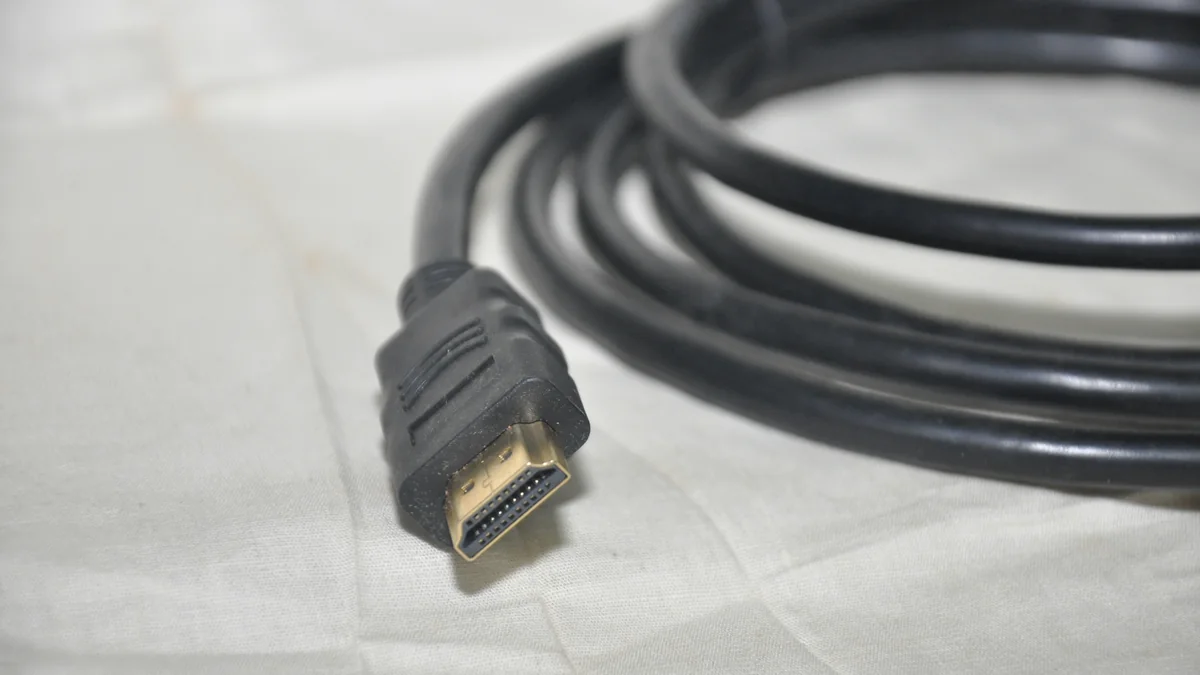
Ignore invented cable adjectives
Retail listings use phrases such as:
- 8K HDMI cable;
- gaming HDMI;
- premium gold cable;
- ultra-fast HDMI.
Those words can be marketing shorthand.
HDMI Licensing Administrator defines official cable categories and certification labels that are more useful.
The correct workflow is:
- determine the signal mode your devices need;
- choose the official cable category that supports it;
- verify certification.
Step 1: identify the source and display capability
Check the exact ports on:
- PC or console;
- monitor or TV;
- AV receiver or dock, if one is in the path.
A cable cannot enable features that the source or display does not support.
If the monitor accepts 4K60 but the laptop output is limited to a lower mode, buying the newest cable category does not upgrade the laptop.
Step 2: understand Premium High Speed HDMI
HDMI Licensing Administrator’s Premium High Speed HDMI certification program covers the 18Gbps class associated with feature-rich 4K/Ultra HD use.
The program includes testing and an authentication label.
This category can be appropriate for setups such as:
- 4K60;
- HDR;
- expanded color spaces;
when the source and display implement those features within the supported bandwidth.
Do not pay for a higher cable class if this already covers the intended mode.
Step 3: understand Ultra High Speed HDMI
Ultra High Speed HDMI Cable was introduced with HDMI 2.1-class applications.
HDMI LA lists up to 48Gbps and modes including 8K60 and 4K120 within applicable implementations.
Certified packages use an official label with authentication/QR features.
For gaming consoles or high-refresh 4K displays, this is the common cable category to check.
Again, the cable is only one part of the path.
Step 4: know that HDMI 2.2 adds Ultra96
HDMI 2.2 introduced the Ultra96 HDMI Cable category with support up to 96Gbps for applicable HDMI 2.2 features.
This does not make every current TV or monitor suddenly need an Ultra96 cable.
Buy it when both the source and display implement a mode that requires the newer capability.
Future-proofing is reasonable only when the price and cable characteristics make sense.
Step 5: look for the certification label
HDMI LA certification programs use labels designed to be verified.
For Ultra cable categories, the label can include:
- official cable name;
- QR code;
- security/hologram features;
- model/brand verification.
If a seller claims an official cable category but cannot show the expected certification information, verify through the manufacturer.
Step 6: cable length matters
Signal integrity becomes harder at long distances.
The HDMI specification does not define one universal maximum cable length because construction and active electronics matter.
For a normal desk or TV stand, passive certified cables are straightforward.
For long room runs, you may encounter:
- active copper cables;
- active optical HDMI;
- powered solutions.
Check that the exact cable model and length are certified for the required mode.
Do not assume a 1-meter cable and 10-meter cable with the same branding behave identically.
Step 7: avoid directional-cable mistakes
Some active or optical HDMI cables are directional.
One end is labeled Source and the other Display.
Installing the cable backward can produce no image even though the connectors physically fit.
For in-wall installation, check direction before closing the wall.
Step 8: adapters change the problem
USB-C-to-HDMI or DisplayPort-to-HDMI adapters introduce another active component.
The final display mode depends on:
- source output;
- adapter;
- HDMI cable;
- display input.
When troubleshooting, test the simplest direct path first.
Common buying mistakes
Buying by resolution text alone
“8K” on a listing is less useful than the official cable category.
Assuming the cable changes the HDMI version of a port
It does not.
Overspending on materials
Connector plating and decorative braiding do not replace certification.
Ignoring length
A long run deserves more attention than a short desktop cable.
Quick selection examples
1080p office monitor: almost any legitimate modern HDMI cable category has enough bandwidth; use a reliable cable.
4K60 HDR setup: Premium High Speed may be sufficient depending on the exact features.
4K120 console/TV: verify Ultra High Speed certification and device support.
New HDMI 2.2 high-bandwidth application: check whether Ultra96 is actually required.
Bottom line
HDMI cable shopping is easier when you ignore seller-created adjectives.
Identify the display mode, use HDMI LA’s official cable names and look for certification labels.
The best cable is the lowest category that reliably supports the feature set you actually use.